Introduction
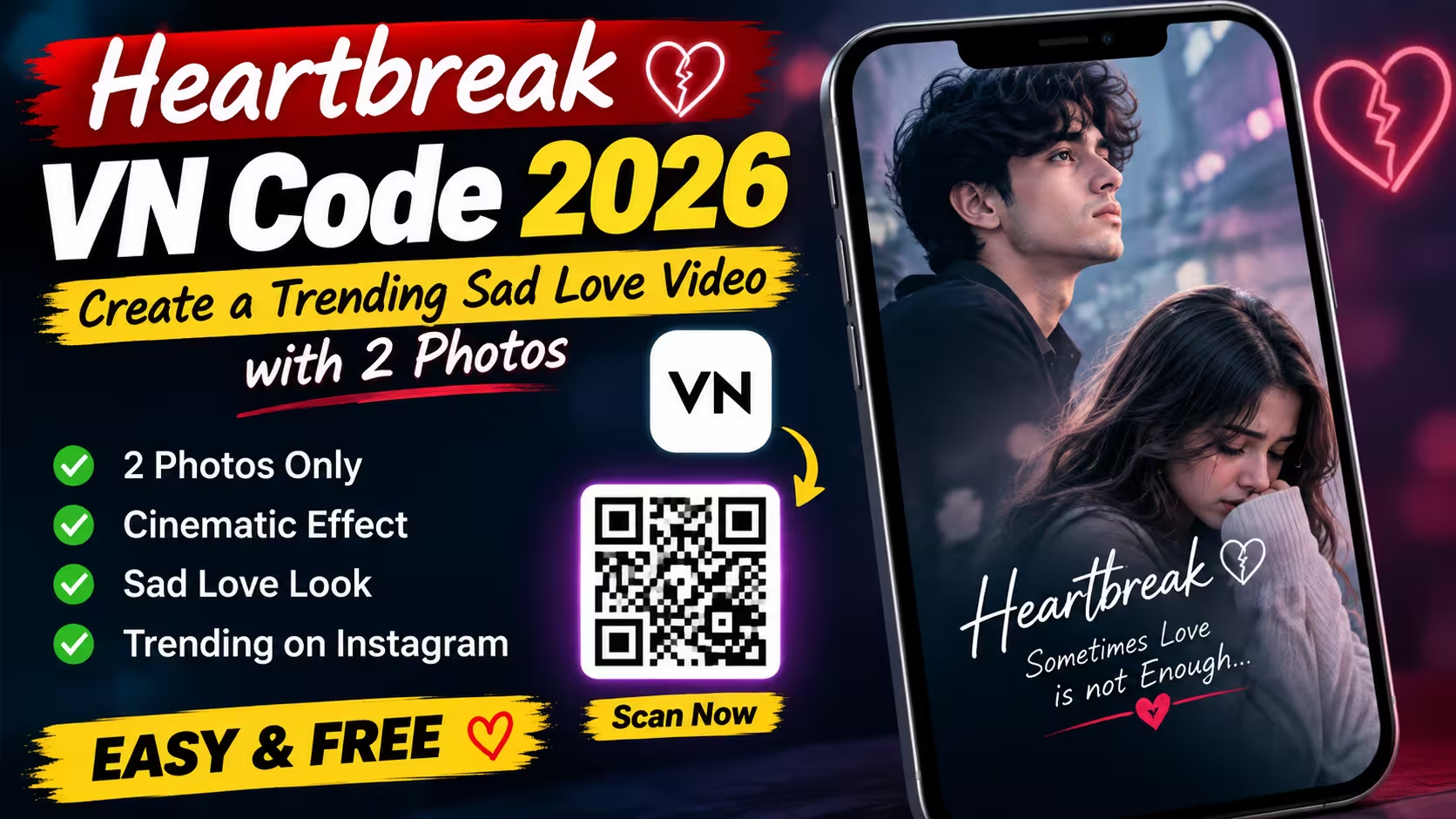
If you love making emotional and stylish Instagram Reels, you may have already seen the new Heartbreak VN Code trending on social media. This template creates a short sad-love video using just two photos. The final result has a cinematic look with smooth transitions, emotional text, and soft visual effects.
The best part is that you do not need advanced video editing skills to use this template. You only need the VN app, the template code, and two suitable photos.
In this article, I will explain what this Heartbreak VN Code does, what kind of photos you should use, and how you can create your own video step by step.
What Is the Heartbreak VN Code?
The Heartbreak VN Code is a template for the VN Video Editor. Instead of creating the complete edit manually, you can use the code to open the ready-made editing template.
The template is designed around a sad and emotional love theme. It uses a short video format with cinematic effects and text that gives the video a feeling of old memories, love, and heartbreak.
You can replace the sample photos with your own pictures. After adding your photos, VN applies the existing transitions and effects to create the final video.
What Kind of Video Does This Template Make?
This template is mainly made for people who want to create a sad love or heartbreak Reel.
The video has an emotional visual style. A photo appears with smooth movement and light effects, while emotional text adds to the mood. The overall look is simple but attractive, which makes it suitable for Instagram Reels, WhatsApp Status, Facebook Reels, and other short-video platforms.
You do not need a large collection of photos. The template is designed to work with two photos, so you can create the complete edit even if you have only a couple of good pictures.
Heartbreaking VN Code⬇️
How To Use Heartbreaking VN Code
How do you want to use VN Code? I am telling you the whole process step by step below. You can easily make your own video by following the steps given by me.
- First of all you have to download VN Editor app from Google Play Store.
- You need to take a good photo of yourself and take a screenshot of the QR code given back on this post.
- Open the scanner of VN editor and enter this QR code and scan it.
- Now you have to download the video by clicking on the download button below it.
- Now you have to click on it and upload your photo, after that click on next.
- Now your video will be ready, check it and click on export.
Tips to Make the Heartbreak Video Look Better
The template already provides the main editing style, but your photo selection can make a big difference.
- Use high-quality photos: Avoid blurry or heavily compressed pictures. Clear photos will look much better after applying effects.
- Choose matching photos: Try using two pictures with a similar mood. For example, two emotional portraits or two memorable couple photos can create a better story.
- Keep the original composition: Do not zoom into the photo too much. Leave some space around the subject so the template’s movements look natural.
- Try different photos: If the first combination does not look right, test another pair. Sometimes a simple photo works better than a heavily edited one.
Why Is This VN Template Popular?
One reason templates like this become popular is that they make editing much easier. Normally, creating smooth transitions, timing effects, text animations, and other visual elements can take a lot of time.
With a ready-made VN template, most of the editing work is already done. You simply add your own content and make small adjustments.
The two-photo format also makes this template convenient. You do not have to search through your gallery for dozens of pictures.
FAQ
1. What is the Heartbreak VN Code?
The Heartbreak VN Code is a ready-made VN template designed to create a short, emotional sad-love video using your own photos.
2. How many photos are needed for this VN template?
This template is designed to work with 2 photos. For the best result, use clear and high-quality pictures.
3. Is the Heartbreak VN Code free to use?
The template code itself can be used through VN, but some VN features or assets may vary depending on the app version and region.
4. Can beginners use this VN Code?
Yes. You do not need advanced editing skills. Simply open the template, add your photos, preview the video, and export it.
5. What type of photos should I use?
Portraits, mirror selfies, couple photos, or emotional-looking pictures generally work well with this template. Try to use clear photos with good lighting.
Conclusion
The Heartbreak VN Code 2026 is a simple way to turn two normal photos into a stylish and emotional sad-love video. You do not need professional editing skills or spend a lot of time creating effects manually. Just scan the code, add your two favourite photos, check the preview, and export the video.
If you enjoy making Instagram Reels, WhatsApp Status videos, or emotional photo edits, this VN template is worth trying. Choose good-quality photos that match the mood, and you can create a beautiful video that feels personal and memorable.