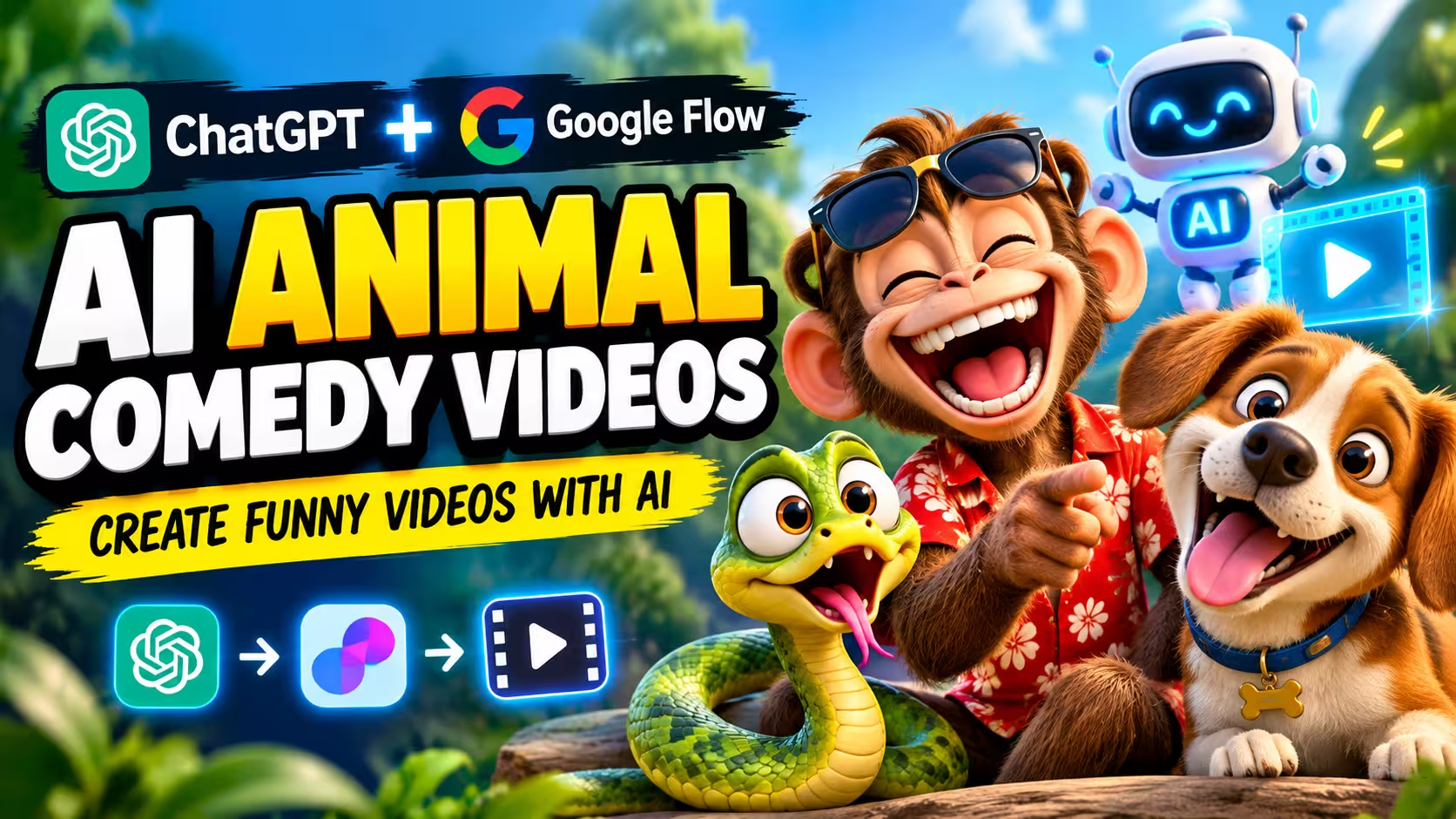
Have you ever watched a funny animal video and wondered how it was made? Today, you can create similar animated comedy videos with the help of AI tools, even if you do not have a camera or video editing experience. AI animal comedy videos are a fun way to turn simple ideas into short stories. For example, you could create a monkey playing a prank on a snake, a dog acting like a shopkeeper, or a cat getting surprised by its own reflection.
You do not need to film real animals or learn complicated animation software. With ChatGPT, you can develop a funny story and prepare a detailed video prompt. Google Flow can then help turn that idea into a video, depending on the features and access available to your account. In this guide, you will learn how to plan an animal comedy story, write a useful AI video prompt, and create a short clip for YouTube Shorts or Instagram Reels.
What Makes an AI Animal Comedy Video Funny?
A good animal comedy video does not need a complicated story. Sometimes, one unexpected action is enough to make people smile. Imagine a snake trying to frighten a monkey. The monkey runs away, but a moment later, the snake sees a tiny toy mouse and jumps in surprise. This simple change in the situation creates a funny ending.
Other ideas could include a dog trying to cook food, a parrot copying a police officer, or a cat pretending to be the owner of a house. These videos often use colorful animation, expressive characters, quick movements, and short dialogues. Since the story is brief, every moment should have a purpose.
For a 10-second video, it helps to plan three basic parts:
- Opening: Show something funny or surprising immediately.
- Main action: Let the animal do something unexpected.
- Ending: Finish with a visual joke or a surprising reaction.
Keeping the story simple also makes it easier for an AI video generator to understand what should happen.
Why Try AI for Animal Comedy Videos?
Creating an animated video traditionally may require drawing, animation skills, editing software, and plenty of time. AI tools can make experimenting with video ideas easier. You can test different animals, change the setting, add short Hindi dialogue, and try alternative endings without recording a new scene each time.
Another advantage is flexibility. You could make a jungle comedy one day and a funny pet story the next. This gives you plenty of ideas to explore when creating content for social media. However, using AI does not automatically make a video successful. The story still needs to be entertaining, and the final result should be checked for visual errors, unclear dialogue, and awkward movements.
Script Prompt ☺️
MASTER PROMPT — 10-Second Viral Animal Comedy for Google Flow You are a professional AI comedy scriptwriter and Google Flow video prompt expert specializing in viral animal comedy Shorts. Animal Name: [snake] Create a funny, unexpected, highly entertaining animal comedy video with a total duration of EXACTLY 10 SECONDS. Strict Rules 1. The entire video must be exactly 10 seconds long. 2. Start with a hilarious hook in the first 1–2 seconds. 3. Create one connected, funny story with unexpected actions, exaggerated reactions, and a hilarious ending. 4. Use the selected animal as the main character. Add humans or other animals only when needed for comedy. 5. Use colorful, high-quality 3D cartoon animation, expressive faces, cinematic lighting, and smooth movements. 6. Include 2–3 quick visual beats within the same 10-second video. 7. Maintain consistent character appearance throughout the video. 8. Include short Hindi dialogue, funny sound effects, and appropriate background audio when useful. 9. Format the video in vertical 9:16 for YouTube Shorts and Instagram Reels. 10. Do not require character photos, reference images, or uploaded assets. Most Important Output Rule Generate ONLY ONE COMPLETE GOOGLE FLOW VIDEO PROMPT in a single copy-ready code block. The single prompt must describe the entire 10-second video from beginning to end, including: Exact timeline from 0 to 10 seconds. All actions and scene transitions within the same video. Character descriptions and funny facial expressions. Camera movements, dialogue, and sound effects. A surprising comedy twist at the end. Consistent characters and animation style throughout. Do not divide the output into separate video prompts. Do not generate separate prompts for individual scenes. All events must be included in ONE continuous video-generation prompt. After the prompt, provide one catchy video title and five relevant hashtags. Generate an original, entertaining comedy video based on the animal name provided. Avoid generic jokes and make the ending genuinely unexpected.
Prompt 2
 Create an original, family-friendly 3D animated comedy video in vertical 9:16 format.
Scene: A cute green cartoon snake visits an airport check-in counter with a passport. A female airport employee is sitting behind the counter.
The snake speaks first in a funny male voice:
"मैडम, मुझे इंडिया जाना है, दिवाली आ रही है।"
The airport employee replies in a polite female voice:
"इंग्लिश स्पीकिंग, प्लीज़।"
The snake confidently replies in a humorous Indian accent:
"नो प्रॉब्लम! टू द दुबई प्रिंस, इंडिया पटाका फोड़िंग, फट फट फट!"
At the end, the woman looks confused and the snake smiles proudly.
Use colorful 3D cartoon animation, expressive characters, clear voices, natural pauses, and accurate lip-sync. Keep the dialogue in the exact order provided. No additional dialogue, no subtitles, and no narration.
Prompt 3
Create a funny, high-quality 3D animated cartoon video in vertical 9:16 format. The scene takes place inside a classroom. A green anthropomorphic snake is the teacher, standing in front of the classroom. A small cartoon snake student is sitting at a desk.
The teacher looks at the student and speaks first in a clear Hindi male voice.
TEACHER SNAKE:
"खड़े हो जाओ बेटा, ये बताओ सत्य और भ्रम में क्या अंतर है?"
The student stands up and answers confidently in a funny Hindi voice.
STUDENT:
"सर, आप हमें पढ़ा रहे हैं ये सत्य है, लेकिन हम पढ़ रहे हैं ये आपका भ्रम है।"
After the student finishes speaking, the teacher looks surprised and confused. The student maintains a confident, innocent expression.
IMPORTANT DIALOGUE RULES:
Speak both dialogues exactly as written in Hindi. The teacher must speak first, and the student must speak second. Do not swap the speakers. Do not omit, repeat, translate, or change any words. Each character must finish speaking before the other starts. Use accurate Hindi lip-sync and clear, natural voices.

VISUAL STYLE:
Expressive 3D cartoon characters, detailed classroom, desks and blackboard, smooth animation, cinematic lighting, funny facial expressions, and natural camera movements. Keep the same characters throughout. No narrator, no subtitles, no extra dialogue, and no scene changes.
How to Create AI Animal Comedy Videos
Follow the steps below to create your own funny animal videos using ChatGPT and Google Flow.
- First, copy the Master Prompt given above.
- Click on the Get Your Script button.
- Paste the copied prompt into ChatGPT and replace the animal name with your preferred animal, such as a monkey, snake, dog, or cat.
- Click the Send button and wait for ChatGPT to generate your video prompt.
- Copy the complete video prompt generated by ChatGPT.
- Return to this website and click on Create Your Video.
- Open a new project in Google Flow and select an available video generation model.
- Choose the required video duration and select the vertical 9:16 format if available.
- Paste your copied prompt into the video generation box and start generating the video.
- Once the video is ready, watch it carefully. If everything looks good, download or export the final video using the available options.

Common Problems and How to Fix Them
1. The Story Feels Confusing
Too many actions can make a 10-second video difficult to understand. Keep one main joke and remove details that do not support it.
2. The Ending Is Not Funny
Try making the final action more surprising. For example, the animal that starts the prank could become the victim of its own trick.
3. Characters Look Different Between Shots
Describe the animal’s color, size, facial features, and accessories clearly. Repeat the important details in the prompt wherever necessary.
4. The Dialogue Sounds Unnatural
Use short Hindi sentences that match the character’s action. Long conversations are usually difficult to fit into a 10-second clip.
Why Use Google Flow for AI Animal Comedy Videos?
Google Flow is an AI video creation tool that helps you turn creative ideas into videos using text prompts and other supported inputs. It is useful for beginners who want to create funny animal comedy videos without a camera, actors, or advanced animation skills. You can experiment with different animals, locations, actions, and comedy situations to develop entertaining short stories.
When you use ChatGPT with Google Flow, the process becomes easier. ChatGPT helps you write a funny story and prepare a detailed video prompt, while Google Flow can turn your idea into a video. You can review the result, make changes if needed, and prepare it for YouTube Shorts or Instagram Reels. However, available features and video generation limits may vary depending on your account.
Frequently Asked Questions
1. Can I make animal comedy videos without animation experience?
Yes. AI video tools can help beginners turn written ideas into animated clips. You will still need to review the output and make changes when necessary.
2. Do I need to upload an animal photo?
Not necessarily. You can describe the animal directly in your prompt. Reference images may be useful for some workflows, but they are not essential for every project.
3. Can I create a video that is exactly 10 seconds long?
You can specify a 10-second duration in your prompt and select a matching duration if the tool offers that setting. However, generated results may not follow every instruction perfectly, so check the final duration before publishing.
4. Is Google Flow free to use?
Access, free credits, and available features can change. Check the current options displayed in your Google Flow account before starting a project.
5. Can I publish AI animal videos on YouTube Shorts?
You can publish eligible AI-generated videos, provided they follow YouTube’s current content, copyright, and monetization policies. Review any disclosure requirements that apply to your particular video.
6. Can AI animal comedy videos earn money?
They may be eligible for monetization if they meet the relevant platform’s requirements. AI generation alone does not guarantee approval or earnings. Original ideas, meaningful creative input, and compliance with monetization policies are important.
7. How can I make each video different?
Change the main joke, character behavior, setting, dialogue, and ending. Avoid generating the same basic story repeatedly with only the animal’s name changed.
Conclusion
AI animal comedy videos offer a simple way to experiment with short animated stories. You can start with an everyday idea, use ChatGPT to organize the story, and turn the resulting prompt into a video with Google Flow.
The key is to keep the story clear, use a funny opening, and give viewers an ending they do not expect. Check every generated clip before publishing, and make improvements whenever the result does not match your idea.
Start with one animal and one simple joke. As you become more comfortable with the process, experiment with new characters, different styles of humor, and fresh story ideas. With practice, you can develop a style that feels original and suits your audience.