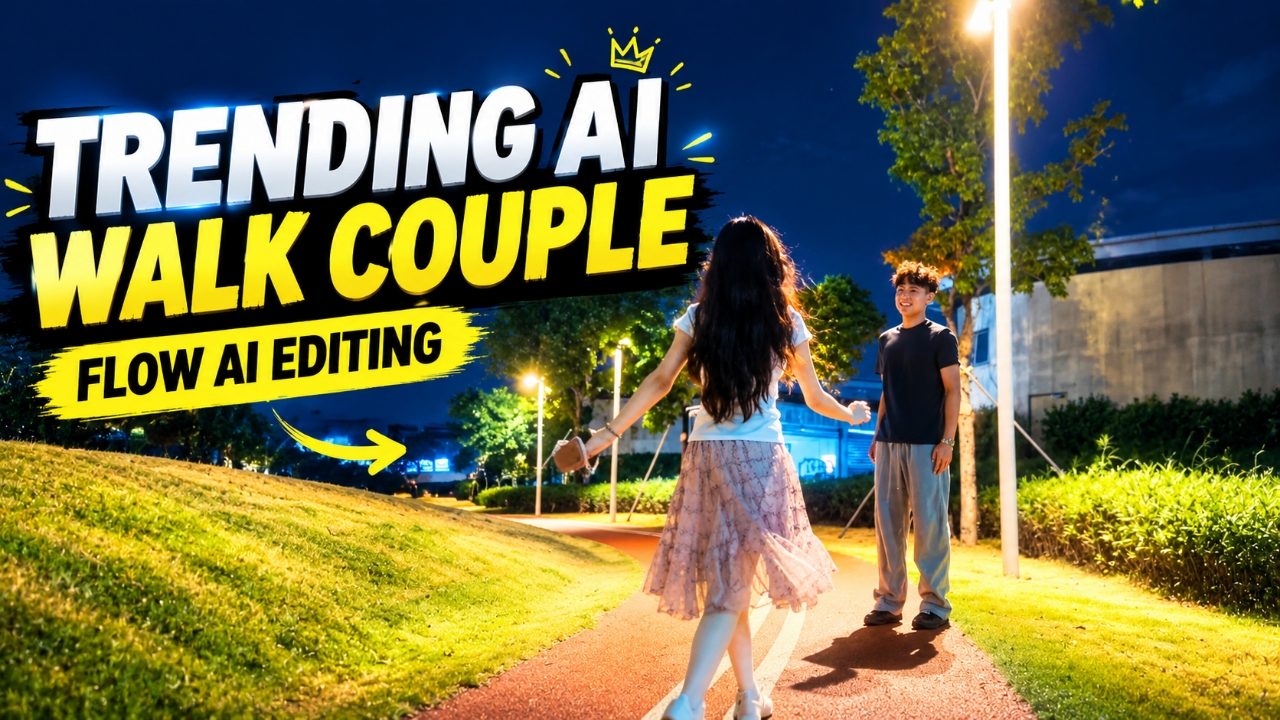
Nowadays, AI-generated couple videos are becoming popular on Instagram Reels. One of the interesting trends is the Trending AI Walk Couple Video, where a normal video or screenshot can be used as a starting point to create a cinematic couple-walking scene with AI. The final result can look like a professionally shot video, with natural walking movements, romantic scenery and cinematic camera effects. The best part is that you can try creating this type of video using Google Flow AI and a suitable prompt. In this tutorial, I’ll explain how to shoot your original video, take a screenshot, open Google Flow AI, select the settings and generate your own AI couple-walking video.
What Is the Trending AI Walk Couple Video?
The Trending AI Walk Couple Video is an AI-generated video style in which a couple is shown walking together in a cinematic setting. The video may feature natural body movements, romantic backgrounds, realistic lighting and smooth camera motion. Instead of recording every scene with professional equipment, you can use an original video frame as a visual reference and let AI generate a new scene based on your prompt. This makes it an interesting idea for Instagram Reels and other short-form videos.
Why Is the Trending AI Walk Couple Video Popular?
The Trending AI Walk Couple Video is attracting attention because it turns a simple reference image into a cinematic walking scene. Many creators are trying this style to make their Instagram Reels look more realistic and attractive. The smooth walking movements, romantic atmosphere and professional camera effects make the video stand out from ordinary clips. Another advantage is that you can experiment with different backgrounds and visual styles using Google Flow AI. With a clear screenshot and a well-written prompt, you can create your own version of this trending AI couple video.
Cinematic romantic night shot, static camera. A young woman enters the frame from the immediate foreground left, stepping into the scene towards a young man waiting under a glowing pole lamp on a curved park track. He reaches out and takes her hand; she gracefully spins around (360-degree twirl) and steps close to him. They stop standing close together, hands gently resting on each other, looking into each other's eyes. Both feet remain on the ground, no lifting, natural smooth motion, night park setting, 4k.
How to Create this video?
Step 1: Record Your Video First, record a short video on your phone. Choose a suitable walking pose and make sure the people are clearly visible. Try to keep the camera steady so you can capture a useful frame.
Step 2: Take a Screenshot Open the recorded video in your gallery and pause it at the frame you want to use. Take a screenshot and save it on your phone. This screenshot will serve as your reference image.
Step 3: Open Google Flow AI Open Google Flow AI in your browser and sign in with your Google account. Start a new project and select an available video generation option.
Step 4: Select the Video Settings Choose the frame or aspect ratio you need, select the available video model and set the video quality to 720p, if that option is available. Select 1x for the generation setting if your interface provides it. The exact options may vary depending on the model and account.
Step 5: Upload Your Screenshot and Paste the Prompt Upload the screenshot you captured from your original video. Copy the Trending AI Walk Couple Video Prompt from this article and paste it into the prompt box.
Step 6: Generate Your AI Video Check your settings and submit the prompt. Wait for Google Flow AI to process your request. Generation time depends on the selected model and current service conditions.
Step 7: Preview and Save Watch the generated video and check the walking movements, faces and background. If you’re happy with the result, export or download it using the available option. You can then add music and make final adjustments in your preferred video editor. Note: The available video models, reference-image options, aspect ratios and quality settings may change. Follow the options shown in your Flow AI account.
How to Get Better Results from Your AI Couple Video
Use a clear screenshot in which both people are visible. Choose a frame with a natural pose and avoid blurry images. Keep your prompt focused on realistic walking movements and consistent facial features. If the generated video has unnatural movement, try simplifying the scene description. You can also experiment with different backgrounds and camera angles to create a unique look for your Instagram Reel.
Common Problems You May Face
Face Changes: AI may alter facial features during movement. Use a clear reference image and include identity-preservation instructions in your prompt. Unnatural Walking: If the walking motion looks strange, simplify the prompt and avoid adding too many actions. Incorrect Background: Describe the desired location and lighting more clearly. Settings Not Available: Some Flow AI options depend on the selected model and account. Choose the closest supported settings available in your interface.
Conclusion
Creating a Trending AI Walk Couple Video is a simple way to experiment with AI video editing. By recording a short video, taking a screenshot and using it as a reference in Google Flow AI, you can try generating a cinematic couple-walking scene. Use the prompt provided above, select the available settings and review the final result before saving it. Add suitable music and a few finishing touches to prepare your video for Instagram Reels or YouTube Shorts.